How Many Customer Support Agents Do You Actually Need in 2026?
 CollinFebruary 26, 20267 min read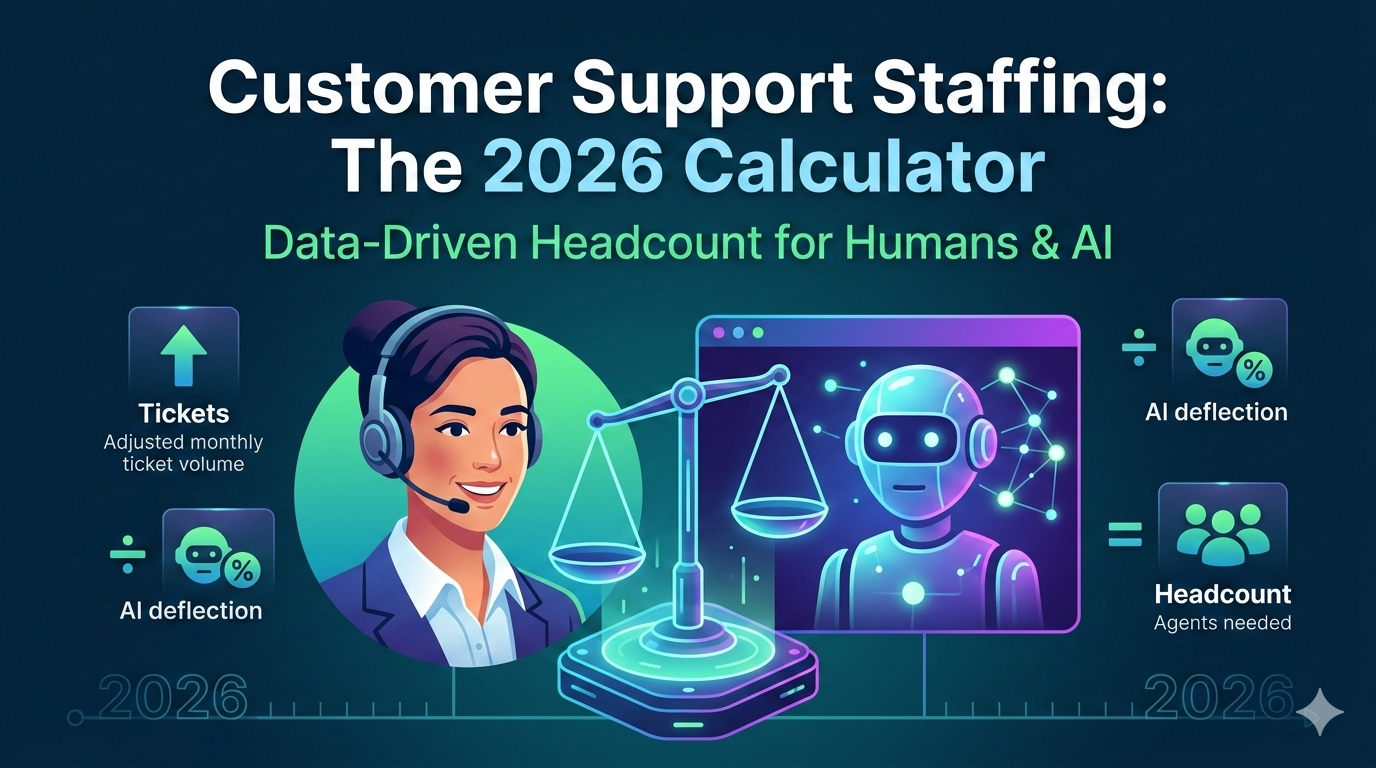
It's one of the most common questions SaaS leaders are asking right now: do I actually have enough people on my support team? Or am I overstaffed and burning money — especially now that AI tools are in the mix?
The honest answer is that most companies don't know. They hire when things feel chaotic and stop when the chaos subsides, landing in a boom-and-bust cycle that costs money in both directions. Ticket volumes are climbing. Customers are frustrated. Your team is working late. But hiring is expensive, and figuring out how humans and AI should divide the work has made the whole calculation more complicated, not less.
This guide gives you a practical, framework for calculating your ideal support team size in 2026 — accounting for AI deflection, SLA commitments, and the real cost of getting it wrong in either direction. At DemandPulse, this is exactly how we help our clients right-size their teams.
Why Getting This Wrong Is So Expensive
Before you assume you already know the answer, consider what's at stake on both sides.
Overstaffing is expensive in ways that are easy to ignore. You're paying for headcount that sits idle, agents are underutilized — which kills engagement and drives turnover — and you're burning budget that could go toward product, growth, or better tooling.
Understaffing is worse. Agents burn out, response times slip, SLAs fail, and customers start looking at competitors. Research shows that 50% of SaaS churn is tied to poor customer support, while 86% of buyers are willing to pay more for a better experience.
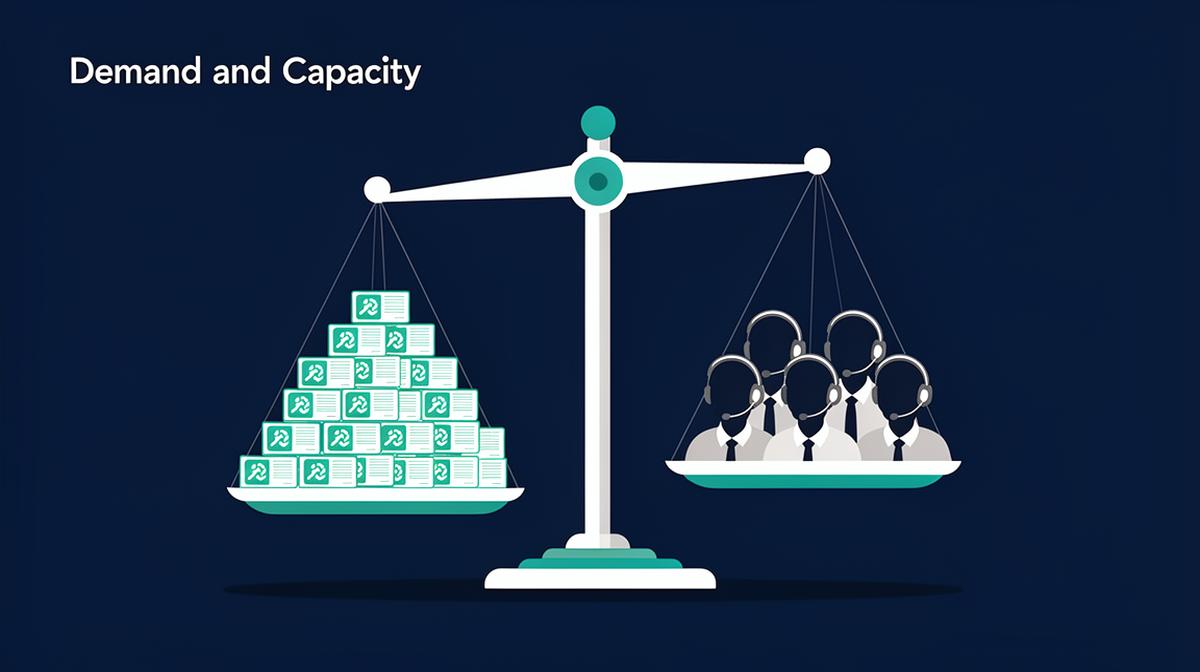
The irony is that both scenarios cost you. One wastes budget through idle headcount; the other drains it through customer loss. The solution isn't gut feel — it's a formula.
The Formula: How Many Support Agents Do You Need in 2026?
Here's the core equation:
(Adjusted Monthly Ticket Volume × Avg Resolution Time in Hours) ÷ (Productive Hours per Agent per Month × Target Occupancy Rate) = Agents Needed
Notice the first variable is adjusted ticket volume — not raw volume. That adjustment is where AI enters the calculation, and it's the piece most staffing models still ignore. We'll walk through each variable below.
Step 1: Calculate Your Raw Monthly Ticket Volume
Start with the baseline: how many support tickets does your company receive each month before any deflection? If you track this in a helpdesk tool, use your actual 3-month average. If you're early-stage without historical data, estimate using customer base × expected tickets per customer per month.
Typical SaaS benchmarks:
- Simple products (project management, note-taking): 0.5–1 ticket per customer per month
- Mid-complexity products (accounting, HR tools): 1–3 tickets per customer per month
- Complex or enterprise products (deep integrations, custom workflows): 3–8+ tickets per customer per month
Example: 200 customers × 2 tickets/month = 400 raw monthly tickets. Also note your growth rate — you'll need it for the forecasting section later.
Step 2: Adjust for AI Deflection
This is the step that most 2025 staffing guides leave out — and increasingly, it's the one that matters most.
If you're using an AI chatbot, automated FAQ tool, or any form of self-service automation, a portion of your inbound tickets never reaches a human agent. That deflected volume shouldn't factor into your headcount calculation.
Adjusted Ticket Volume = Raw Volume × (1 − Deflection Rate)
Typical AI deflection rates in 2026:
- No AI tools / pure human support: 0% deflection
- Basic chatbot or FAQ automation: 10–20% deflection
- Mature AI support tool (well-trained, integrated with your knowledge base): 25–40% deflection
- Advanced AI with high product coverage and continuous training: 40–60% deflection
Example: 2,000 raw tickets/month × (1 − 0.30) = 1,400 adjusted tickets reaching human agents.
One nuance worth understanding: AI deflection tends to filter out your simplest tickets first. That means the tickets that do reach human agents become, on average, harder and more complex over time. As your deflection rate improves, your Average Resolution Time may also creep up — so don't assume that halving your ticket volume halves your headcount need proportionally.
Step 3: Determine Your Average Resolution Time (ART)
Average Resolution Time is the mean time an agent spends actively working a ticket from first touch to resolution. Count only active work time — don't include time waiting for a customer reply or an internal escalation.
Typical ranges by product type:
- Simple SaaS (utilities, lightweight tools): 15–30 minutes
- Mid-complexity SaaS: 30–60 minutes
- Complex or enterprise SaaS: 60–120+ minutes
If you don't have real data yet, 45 minutes is a reasonable starting estimate. If you've recently deployed AI tools, check whether your ART has shifted — it's common for teams to see it increase modestly after strong AI deflection takes hold, precisely because the easy tickets are no longer reaching agents.
Step 4: Calculate Productive Hours per Agent per Month
This is where most companies overestimate — and where staffing plans quietly break down. On paper, an agent works 160 hours per month. In reality, a more honest breakdown looks like this:
| Activity | Hours/Month |
|---|---|
| Active ticket handling | 120 |
| Onboarding, training, policy updates | 8 |
| Team meetings, 1-on-1s, coaching | 12 |
| Admin, CRM updates, knowledge base | 8 |
| Breaks, personal time, unplanned absences | 12 |
Total productive (ticket-handling) hours: ~120–130. Use 125 hours as your baseline. Using 160 is a recipe for chronic understaffing — you'll always feel like you need more people, because you've built a plan no human team can execute.
Step 5: Define Your Target Occupancy Rate
Occupancy rate is the percentage of productive time agents spend actively handling tickets.
- 75%: Conservative. Best for technical or enterprise support where tickets are complex and agents need breathing room.
- 80%: The healthy standard for most SaaS support teams. Use this as your default.
- 85%+: Aggressive and unsustainable. This is where burnout lives — and where your best agents start updating their resumes.
Never target 100%. For this calculation, use 80% unless you have a specific reason to adjust.
Putting It All Together
Example 1 — Growing SaaS Company with AI Deflection
Raw monthly ticket volume: 2,000. AI deflection rate: 30%. Adjusted ticket volume: 1,400. Average resolution time: 45 min (0.75 hrs). Productive hours per agent: 125. Target occupancy: 80%.
(1,400 × 0.75) ÷ (125 × 0.80) = 1,050 ÷ 100 = 10.5 → 11 agents
Compare that to the same scenario with no AI deflection: 15 agents needed. A well-implemented AI tool at 30% deflection reduces your human headcount requirement by roughly 4 agents — a meaningful cost offset against the tool's price.
Example 2 — Early-Stage Company, No AI Tools Yet
Raw monthly ticket volume: 500. AI deflection rate: 0%. Average resolution time: 30 min (0.5 hrs). Productive hours per agent: 125. Target occupancy: 80%.
(500 × 0.5) ÷ (125 × 0.80) = 250 ÷ 100 = 2.5 → 3 agents
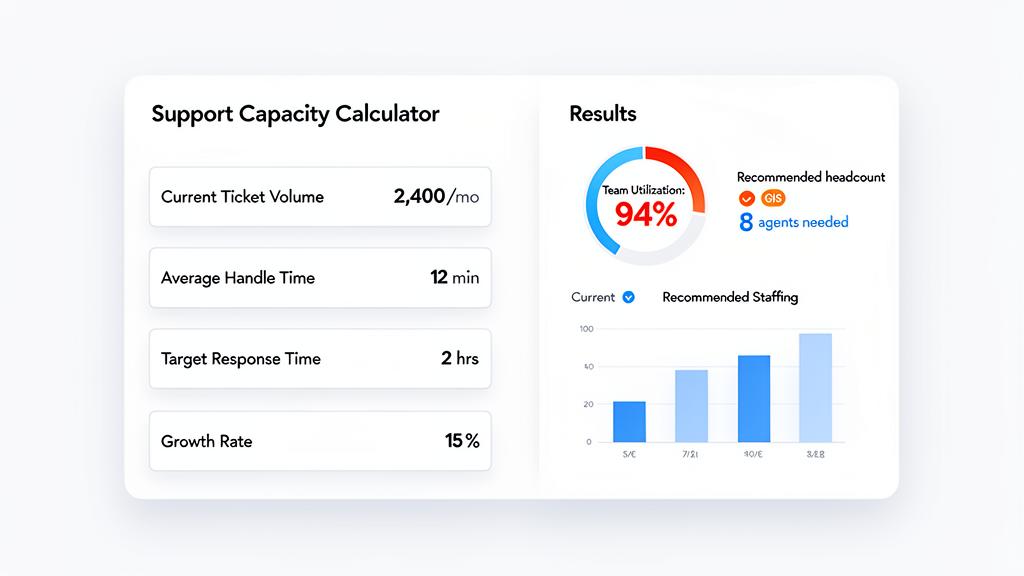
Want to run your own numbers and model different scenarios — like the headcount impact of improving your AI deflection rate by 10%, or what adding 2 agents would do to your response times? The Customer Support Capacity Calculator lets you do that without building a spreadsheet from scratch.
How AI Is Changing Customer Support Staffing in 2026
For most of the last decade, the support staffing equation was simple: more customers meant more tickets, which meant more agents. Volume drove headcount, almost linearly. That relationship is breaking down — and AI is why.
What AI handles well: high-volume, low-complexity tickets (password resets, order status, account lookups, FAQ responses), first-contact deflection, routing and triage, and after-hours coverage.
What AI still doesn't handle well: emotionally charged or sensitive interactions, complex multi-step troubleshooting, edge cases outside the training data, and high-stakes enterprise relationships where the human touch matters.
The practical implication is this: AI compresses your Tier 1 headcount need, not your overall support need. You may need fewer humans answering simple questions, but the humans you do need are handling harder, higher-stakes work. That shifts what you hire for — skills, judgment, and communication quality matter more than raw throughput capacity.
It also changes your growth forecast model. In a human-only support team, headcount scales roughly linearly with customers. With a mature AI layer, the relationship becomes non-linear: your AI absorbs a growing share of volume as it improves, while your human team scales more slowly, focusing on complexity and relationships. Planning for that inflection point is one of the most valuable things a support leader can do in 2026.
Understanding Your SLA — and What It Actually Costs
How fast do you need to respond? Your SLA doesn't just set customer expectations — it directly determines headcount, and the relationship is non-linear.
| Response Time Target | Relative Headcount | Best For |
|---|---|---|
| 24–48 hours | Baseline | Startups, low-touch or async products |
| 8–12 hours | ~2× baseline | Growing SaaS companies |
| 2–4 hours | ~4× baseline | Mature SaaS, competitive markets |
| ≤1 hour / real-time | ~6× baseline+ | Enterprise, premium support tiers |
The reason isn't just volume — it's queue elasticity and coverage windows. When your SLA is 24 hours, tickets can pool overnight and be handled in a single morning wave. When your SLA is 2 hours, that buffer disappears entirely. You need enough agents present at any given moment to prevent the queue from backing up, which means staffing for peak capacity, not average throughput.
AI can help here. If AI handles 30–40% of tickets before they reach the queue, your effective peak load drops — which means a 2-hour SLA becomes attainable at lower headcount than it would have been two years ago. But AI can't eliminate the peak-coverage requirement entirely.
Planning for Growth: Forecasting Your Future Headcount
You've calculated how many agents you need today. Here's how to think about next quarter and beyond.
Base projection example: 1,400 adjusted tickets/month (after 30% AI deflection), 11 agents, 12% monthly customer growth rate. In 6 months: raw volume ≈ 3,948 tickets/month; adjusted volume (still 30% deflection) ≈ 2,764 tickets/month; agents needed ≈ 21.
Start recruiting now. Hiring cycles take 8–12 weeks, and new agents need another 4–6 weeks to reach full productivity. If you wait until you're at capacity, you've already failed your customers for a quarter.
A realistic growth forecast should test both a conservative case and an optimistic one. The conservative case assumes ticket volume grows with customers, AI deflection stays flat, and ART creeps up slightly as complexity increases. The optimistic case assumes AI deflection improves as your tool matures — from 30% to 40% over 6 months, for example — and product investments reduce ticket-per-customer ratios.
The gap between those two scenarios is your AI staffing leverage: the difference in headcount — and cost — between a team that actively develops its AI layer and one that doesn't.
How to Structure Your Support Team in 2026
Once you know how many agents you need, the next question is how to organize them. In 2026, the right answer almost always involves AI as a layer in the structure — not just a tool sitting alongside it.
AI / Tier 0 handles the highest-volume, lowest-complexity interactions — FAQs, account lookups, status checks, simple resets. This layer operates 24/7, requires no headcount, and should be your first investment before adding Tier 1 humans.
Tier 1 (50–60% of human team) handles tickets that AI can't fully resolve — moderate complexity, situations requiring a human touch, or issues outside AI's training coverage. These agents follow established playbooks, escalate when needed, and feed good resolution data back into your AI system. That feedback loop is what makes your Tier 0 layer improve over time.
Tier 2 (30–40% of human team) handles complex escalations, technical troubleshooting, and multi-step issues. Many teams find it valuable to align Tier 2 agents with customer success outcomes — when your most capable support agents are also watching for churn signals and flagging at-risk accounts, you're getting compound value from the same headcount.
Tier 3 (engineering/product-embedded) is only necessary at 20+ agents or significant product complexity. Adding this tier prematurely creates coordination overhead without proportional benefit.
The trigger for moving from a single-tier to a two-tier human structure is usually when Tier 1 escalation rates climb above 20–25%, or when agents regularly spend 60+ minutes on tickets that should take 15.
If you want to see what this looks like in practice, here's how the SurePoint team scaled their customer support operations — cutting response times by 82% and reducing operational costs by 40% in the process.
Red Flags: Signs Your Team Is Already Understaffed
The formula tells you the right size on paper. These signals tell you when reality has already diverged from your plan.
Occupancy rate above 85%. Your team is in the danger zone. There's no slack for training, complex issues, or the unexpected. Burnout follows within weeks. This is a hire-now signal — or a deploy-AI-now signal if your Tier 0 layer is underdeveloped.
Backlog growing week over week. A one-week spike is a blip. Two or more consecutive weeks is a structural deficit requiring action.
Response times trending longer. A gradual slide in first-response time is usually the first visible symptom of an understaffed queue. By the time customers notice, the damage to satisfaction has already accumulated.
CSAT or NPS declining. Quality metrics lag operational metrics. If satisfaction scores are dropping, your staffing problem is weeks old. Each point of decline represents real churn risk.
Agent turnover accelerating. Replacing a trained support agent typically costs 50–75% of their annual salary when you factor in recruiting, onboarding, and productivity ramp. High turnover is often a direct consequence of sustained over-occupancy — and it compounds the problem because every departure increases load on the remaining team.
AI deflection rate declining. If you have AI tools and your deflection rate is trending down — meaning more tickets are reaching humans than before — that's a signal your AI layer needs attention, not more headcount. Audit your knowledge base, retrain your models, and plug coverage gaps before reaching for the hire button.
If you're seeing two or more of these signals simultaneously, treat it as a staffing emergency. Start recruiting immediately and explore interim solutions — contractor support, expanded AI coverage, async-first channels — to bridge the gap while new hires ramp.
From Guesswork to Staffing
The question "how many support agents do I need in 2026?" has a real, calculable answer. It's not about gut feel, industry averages, or copying what a competitor does. It's about your specific ticket volume, your AI deflection rate, your resolution time, and your service level commitments.
When you know your numbers, staffing becomes strategic. You hire proactively instead of reactively. You leverage AI to compress your Tier 1 headcount cost. You avoid both the waste of overstaffing and the crises of understaffing. That's exactly how the DemandPulse customer support team approaches these decisions with every client — and it's the thinking built into the Customer Support Capacity Calculator, which lets you input your real data, model AI deflection scenarios, and forecast demand across the next 12 months.
Your support team is one of your most important assets. Calculate its size intentionally.
Questions about right-sizing your support team for 2026? Talk to the DemandPulse team.