How Many Support Agents Do I Need? A Staffing Guide
 CollinFebruary 16, 20268 min read
It's one of the most common questions SaaS leaders ask themselves:
"Do I actually have enough people on my support team? Or are we over-staffed and burning money?"
You know ticket volumes are climbing. You see frustration in customer emails. Your team is working late. But hiring is expensive, and you can't afford to get it wrong.
The truth is, most companies guess. They hire when things feel chaotic and stop hiring when the chaos subsides—usually landing them in a boom-and-bust cycle that's costly in every direction.
But it doesn't have to be this way. Figuring out how many support agents you actually need is straightforward when you have the right formula.
This guide will show you exactly how to calculate your ideal support team size, so you can make staffing decisions based on data instead of instinct. At DemandPulse, this is exactly how we help our customer support clients right-size their teams.
Why This Question Matters (And Why You're Probably Wrong About Your Answer)
Before you think you know the answer to "how many support agents do I need," consider this:
Overestimating your needs is expensive. You're paying for headcount that sits idle, team members are underutilized (which kills engagement), and you're burning cash that could go toward product or growth.
Underestimating your needs is even worse. Your agents are burned out, response times drag, SLAs slip, and customers start looking for alternatives. Research shows that 50% of SaaS churn is tied to poor customer support. At the same time, 86% of buyers are willing to pay more for a better experience.
The irony? Both scenarios are expensive. One drains your budget through waste; the other drains it through customer loss.
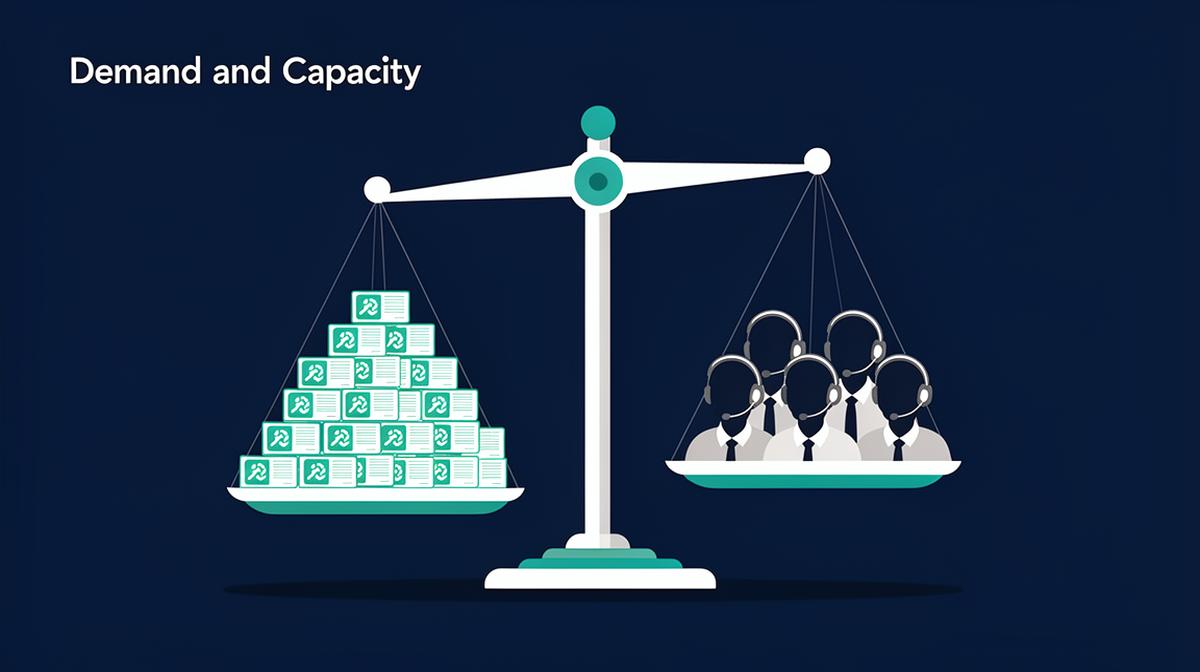
The solution isn't to guess based on gut feel. It's to calculate based on actual demand.
The Simple Formula: How Many Support Agents Do You Need?
Here's the core equation that determines how many support agents you need:
(Monthly Ticket Volume × Avg Resolution Time in Hours) ÷ (Productive Hours per Agent per Month × Target Occupancy Rate) = Agents Needed
Before we walk through the calculation, let's break down each variable.
Step 1: Calculate Your Monthly Ticket Volume
The first input is straightforward: How many support tickets does your company receive each month? If you already track this, use that number. If not, start tracking today. This is the foundation of everything else.
For Early-Stage Companies (No Historical Data Yet)
If you're just starting out and don't have months of historical data, estimate based on: Customer base × expected tickets per customer per month.
Research shows that typical SaaS companies see:
Simple products (project management, note-taking): 0.5–1 ticket per customer per month
Mid-complexity products (accounting, HR): 1–3 tickets per customer per month
Complex products (enterprise software, integrations): 3–8+ tickets per customer per month
Example: If you have 200 customers and expect 2 tickets per customer per month, that's 400 tickets monthly.
For Established Companies
Look at your helpdesk data over the last 3 months and calculate the average. Also note your growth rate—this matters for the next step.
Step 2: Determine Your Average Resolution Time (ART)
Not all support tickets take the same amount of time to resolve. A simple password reset takes 2 minutes. A complex billing issue might take 45 minutes. A technical escalation could take 2 hours.
Average Resolution Time (ART) is the average time it takes from when an agent touches a ticket to when it's resolved.
Typical ART by Product Type:
Simple SaaS (tools, utilities): 15–30 minutes
Mid-complexity SaaS: 30–60 minutes
Complex/Enterprise SaaS: 60–120+ minutes
If you don't have real data yet: Use 45 minutes as a reasonable starting estimate. Only count active work time—don't include time spent waiting for customer response or escalations.
Step 3: Calculate Productive Hours Per Agent Per Month
This is where many companies overestimate what their team can actually accomplish. An agent works 160 hours per month (40 hours/week × 4 weeks). But not all of that time goes toward handling tickets.
Here's what actually happens with those 160 hours:
- • Time spent on support tickets: 120 hours
- • Onboarding, training, policy training: 8 hours/month (ongoing)
- • Team meetings, 1-on-1s, coaching: 12 hours/month
- • Admin work, CRM updates, knowledge base updates: 8 hours/month
- • Breaks, personal time, unplanned absences: 12 hours/month
Realistic productive hours available: 120–130 hours per month. Don't use 160 hours. That's a recipe for burnout and staffing shortfalls. Use 125 productive hours as your baseline.
Step 4: Define Your Target Occupancy Rate
Occupancy rate is the percentage of available time that agents spend actively handling tickets. An 80% occupancy rate means agents spend 80% of their productive time on tickets and 20% on other work.
75%: Conservative, allows time for research, complex problems, and breathing room. Best for complex product support.
80%: Healthy middle ground. Standard for most SaaS support teams.
85%+: Aggressive and unsustainable. This is where burnout lives.
Never target 100% occupancy. That's a theoretical number that doesn't account for reality. For this calculation, use 80% unless you have specific reasons to adjust.
The Complete Calculation
Now let's put it all together with a real example:
Example Scenario 1
Monthly Ticket Volume: 2,000 tickets
Average Resolution Time: 45 minutes (0.75 hours)
Productive Hours per Agent: 125 hours
Target Occupancy Rate: 80%
(2,000 × 0.75) ÷ (125 × 0.80) = 1,500 ÷ 100 = 15 agents needed
Example Scenario 2
Monthly Ticket Volume: 500 tickets
Average Resolution Time: 30 minutes (0.5 hours)
Productive Hours per Agent: 125 hours
Target Occupancy Rate: 80%
(500 × 0.5) ÷ (125 × 0.80) = 250 ÷ 100 = 2.5 → Round up to 3 agents
Understanding Your Service Level Agreement (SLA)
Here's where the real strategy comes in: How fast do you need to respond to customers? Your SLA directly impacts how many agents you need. Faster response times require more headcount to avoid bottlenecks.
24–48 hour response time → Minimum headcount needed, but customers may be frustrated. Best for startups, low-touch products.
8–12 hour response time → Moderate headcount, most customers satisfied. Best for growing SaaS companies.
2–4 hour response time → Higher headcount required. Best for mature SaaS, competitive markets.
1-hour or real-time → Significant headcount, often requires shifts/coverage. Best for enterprise, premium support tiers.
The tradeoff is real: If you want to hit 2-hour response times instead of 24-hour response times, you need roughly 4–6x more headcount (or significant automation).
Adjusting Your Team Size Based on Growth
You've calculated how many agents you need today. But what about next quarter? Use your ticket growth rate to forecast future demand:
Growth Projection Example
Current state: 2,000 tickets/month, 15 agents
Monthly growth rate: 12%
In 6 months: 2,000 × 1.12⁶ = ~3,948 tickets/month
Agents needed in 6 months: ~30 agents
This projection shows you need to hire proactively, not reactively. Start recruiting 8–12 weeks before you hit your capacity limit.
Common Staffing Models
Once you know how many support agents you need, the next question is how to structure them.
Single-Tier Model
All agents handle all tickets. Simple, but doesn't scale well past 5 people.
Two-Tier Model (Most Common)
Tier 1 (60–70% of team): Handles simple, repetitive issues. Fast resolution time, lower expertise required.
Tier 2 (30–40% of team): Handles complex issues, escalations, technical troubleshooting. Higher expertise, higher cost. Many companies find that aligning Tier 2 with their customer success strategy improves retention outcomes.
Example with 15 agents: 10 Tier 1 agents, 5 Tier 2 agents.
Three-Tier Model
Tier 1 (first-line), Tier 2 (specialist), Tier 3 (engineering/product). Only necessary if you have 20+ agents or highly complex product.
Red Flags: When Your Calculation Says You're Understaffed
Watch for these signs that your calculated team size is slipping:
- • Occupancy rate climbing above 85% → Team is overworked
- • Backlog growing → Tickets are piling up faster than resolution
- • Response times trending longer → Queue is backing up
- • CSAT/NPS declining → Quality is suffering
- • Agent turnover increasing → People are burning out
When you see these signals, it's time to hire before the situation becomes critical.
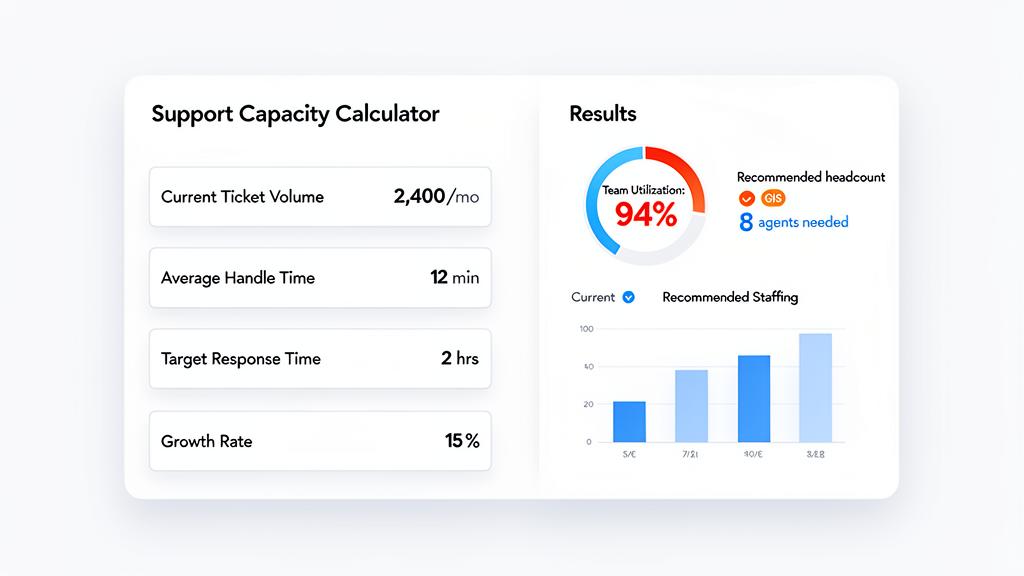
Using a Support Team Capacity Calculator
This formula works, but manually calculating different scenarios is tedious. What if you want to see the impact of improving resolution time by 10%? The effect of adding 2 agents? How much faster response times would be with different staffing? Forecast for the next 12 months?
The Customer Support Capacity Calculator helps SaaS leaders:
- • Input your real data (ticket volume, resolution time, team size)
- • Visualize your current occupancy and service levels
- • Model different staffing scenarios instantly
- • Forecast future demand using your growth rate
- • Make confident hiring decisions with data, not guesswork
Instead of manually updating spreadsheets every month, you get a living model that updates as your business changes.
From Guesswork to Staffing
The question "How many support agents do I need?" has a real answer. It's not about gut feel or industry averages. It's about your specific ticket volume, resolution time, and service level goals.
When you know your numbers, staffing becomes strategic. You hire proactively instead of reactively. You avoid both overstaffing waste and understaffing crises. That's exactly the approach DemandPulse takes with every client.
Your support team is one of your most important assets. Calculate its size intentionally.